
 360 Tool
 Android Multi Tool (AMT)
 Android Win Tool (AWT)
 Arab FRP Tool
 DFT Pro Tool
 DTPro Tool
 EFT Tool
 Griffin Unlocker
 Pandora Tool
 RTC Tool
 T Tool Pro
 TFM Tool
 TSM Tool
 UAT Pro Tool
 Unlock Tool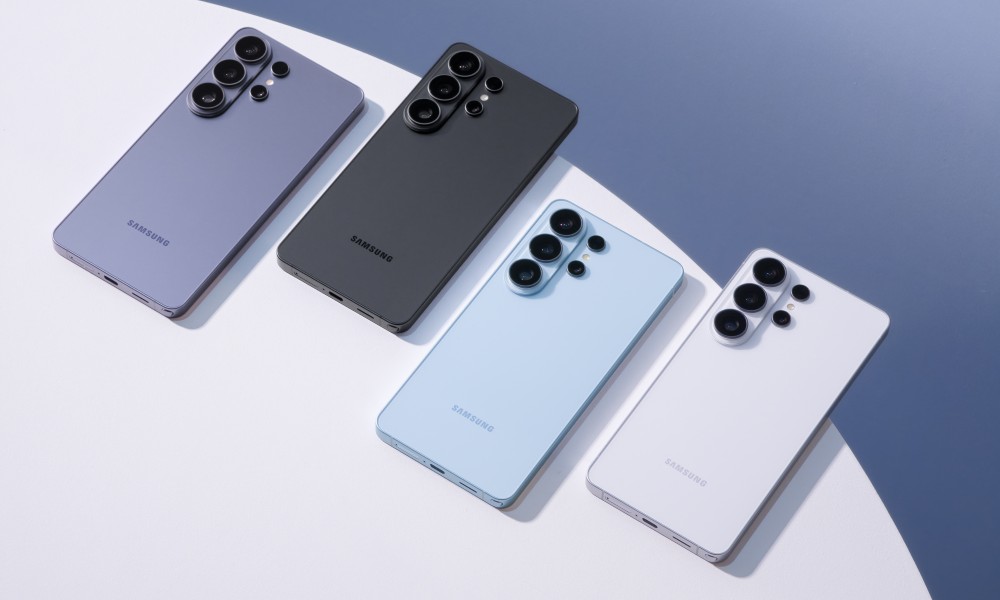

How to remove Google Account from Samsung Galaxy S26 Ultra using SAMFW Tool
Removing Google Account Verification from SAMSUNG Galaxy S26 Ultra
- Turn on the SAMSUNG Galaxy S26 Ultra and connect to any Wi-Fi network with internet access.
- To begin a process, install Samsung Drivers
- Connect the SAMSUNG Galaxy S26 Ultra to the computer using a USB cable.
- Disable your anti-virus software, as SAM FRP TOOL 2026 will be seen as a virus.
(This is normal, and any software for bypassing FRP will give you an alert like this) - Download SamFW Tool software and unpack it.
- Open the unpacked directory SAM FRP TOOL 2026 and turn on the sam_frp_2026.exe software.
- In the SAM_FRP_TOOL_2026 window, tap the UNLOCK FRP button.
- To fully remove the Google Account from the SAMSUNG Galaxy S26 Ultra, perform a factory reset from the phone’s menu.
- That’s all, everything ends without any trouble.


FRP (Factory Reset Protection) is removed/erased.